
Available with the Essentials plan.
Mass Suppression completely empties your member base: it deletes all members, along with their associated payments, invoices and accounting entries. It lets you start from scratch, for example after testing with the import wizard.
This action is irreversible and affects all your membership campaigns (individual and continuous).
In this article
Delete your entire member base
-
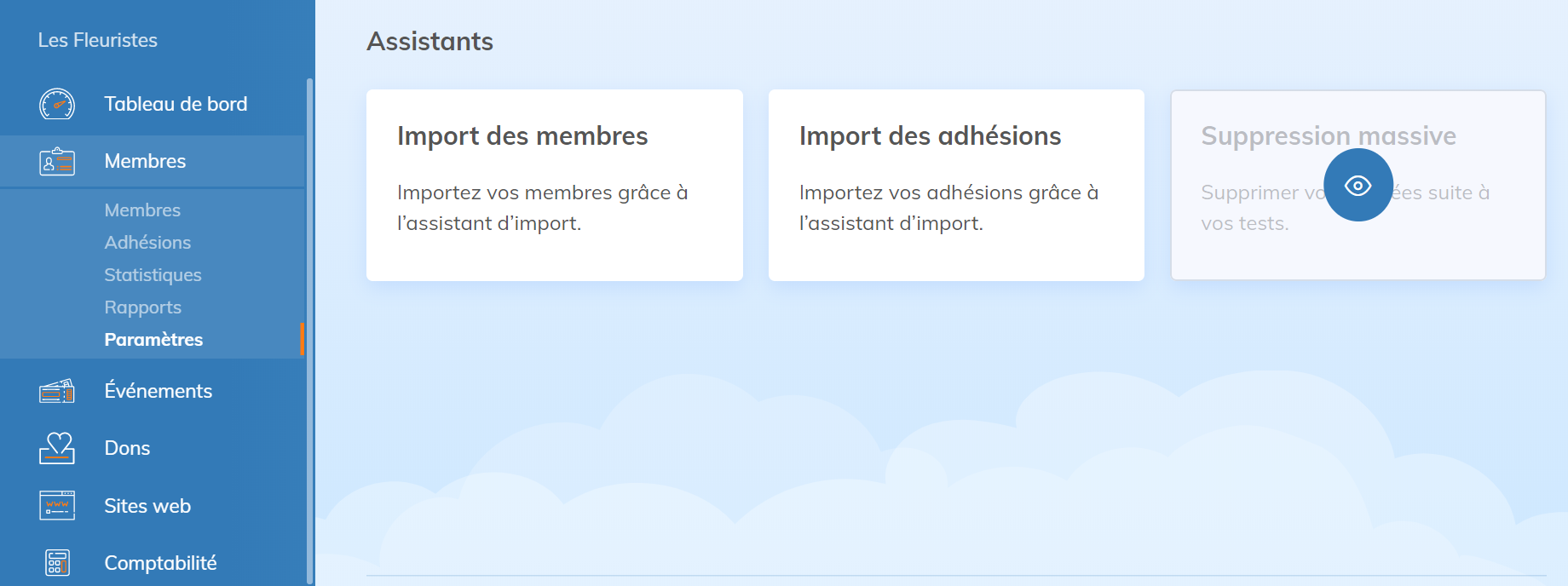
Go to Members > Settings, then click the Mass Suppression tile in the Wizards section.
-
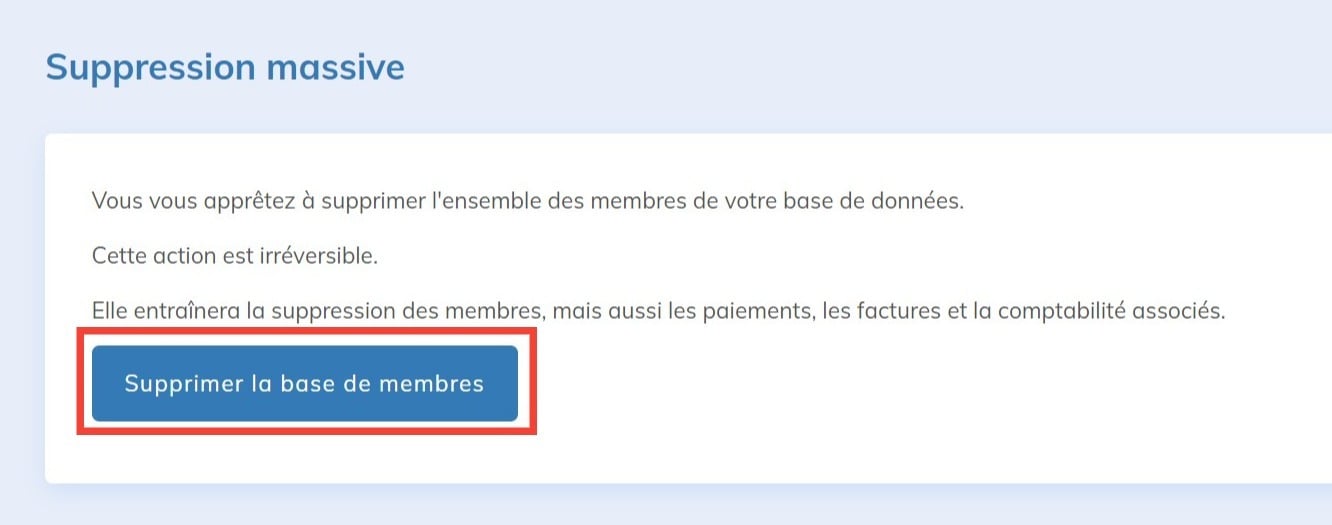
Click Delete the member base.
-
Confirm the deletion by entering your password (see Reset a Yapla user's password).
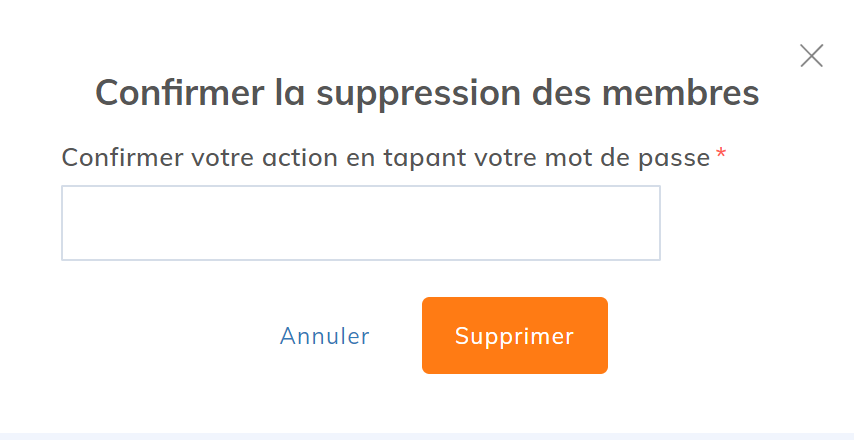
The process may take a few minutes. Once it is complete, all your members are deleted, along with their invoices and accounting entries. Credit card payments are neither cancelled nor refunded to customers. Upcoming payments, including instalments, are cancelled and will not be processed.
To import your members again or update them, see Guide | Import and update your members.
Frequently asked questions
How do I delete a single member?
Delete them from their record: click Available actions, then Delete. See Permanently delete a member for details. To keep their record while removing it from your list, archive them instead (see Archive a member).