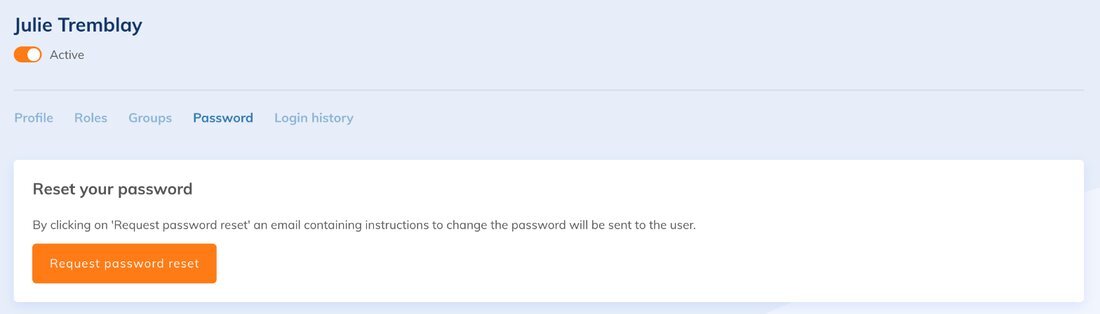
A user who has forgotten their password can reset it themselves from the login page. An administrator can also send them the reset email from the account settings.
In this article
Reset your password
- On the login page, click Forgot your password?.
- Follow the instructions in the email you receive to create a new password.
Email not arriving? Check your junk mail folder, then add the sender to your contacts so future messages reach your inbox.
The link you receive is valid for 6 hours. If it has expired, make the request again. The same steps give you a new link when the one received when your access was created has expired.
Send a reset to a user
- Go to Settings > Users and licenses.
- In the users list, click the user to open their profile.
- Click the Password tab, then click Request password reset.
The user receives an email containing instructions to change their password.