
Available with the Essentials plan and higher.
The Contact form module displays a simple form that lets visitors to your website write to you. Each message is sent by email to the address you specify.
The data entered in this form is not saved in Yapla: you only receive it by email. To save visitor information in your contact database or customize the fields, use an input form instead. See the article Create a contact form with data.
Add the module to a page
In the configuration window of a zone, select the Website feature, then Contact form in the Zone module list. To learn how to open this window, see the article List of modules in the Website feature.
Configure the module
- Title and Style: add a title above the form and set its level (Title 1 to Title 6).
- E-mail used to send message (required): email address that receives the visitors' messages.
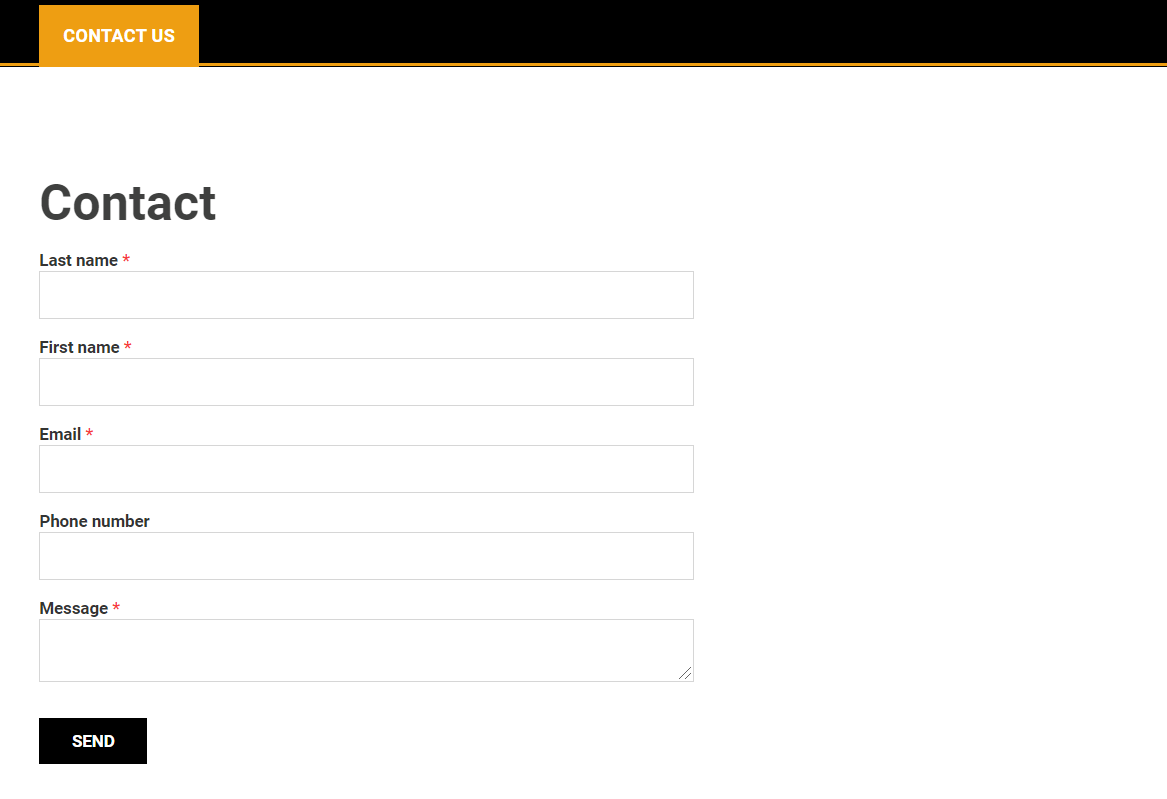
Click Save and close. The form is displayed on the page with the Last name, First name, Email, Phone number and Message fields. These fields cannot be modified.
Protect the form against spam
The contact form can be protected by Google reCAPTCHA, which blocks automated submissions. To enable it, add valid reCAPTCHA credentials in the external tools of your website. The procedure is explained in the article Securing forms with a Captcha.
Receiving spam through your contact form? Enable reCAPTCHA as described above. It greatly reduces the messages sent by bots.