
After your receipts are generated or sent, a donor may notice an error on their receipt or tell you about a change of address. This article explains how to update the existing receipt instead of creating a new one.
Change the donation information
In the campaign's Donations received tile, click the cogwheel of the donation, then Edit. Once you have changed the information, click Save. You can then update the associated receipt.
Update the donation receipt
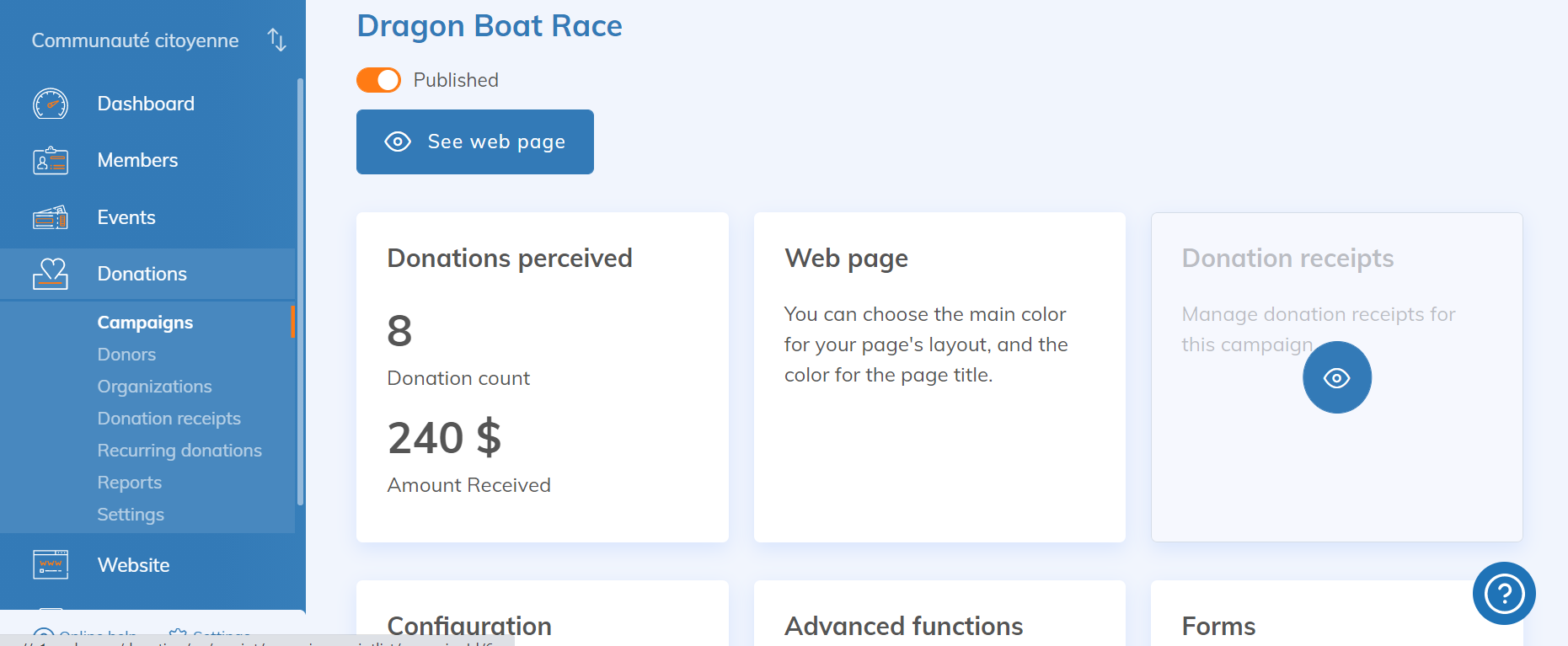
In your campaign, the Donation receipts tile lets you generate, view and send your receipts.
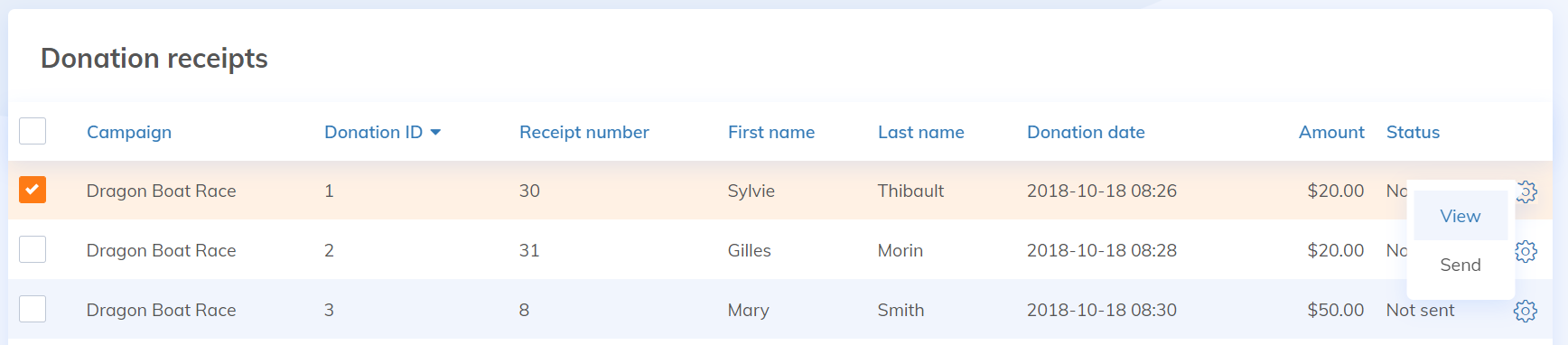
In the list, click the cogwheel of the receipt, then View.
Click Update receipt to refresh its information.
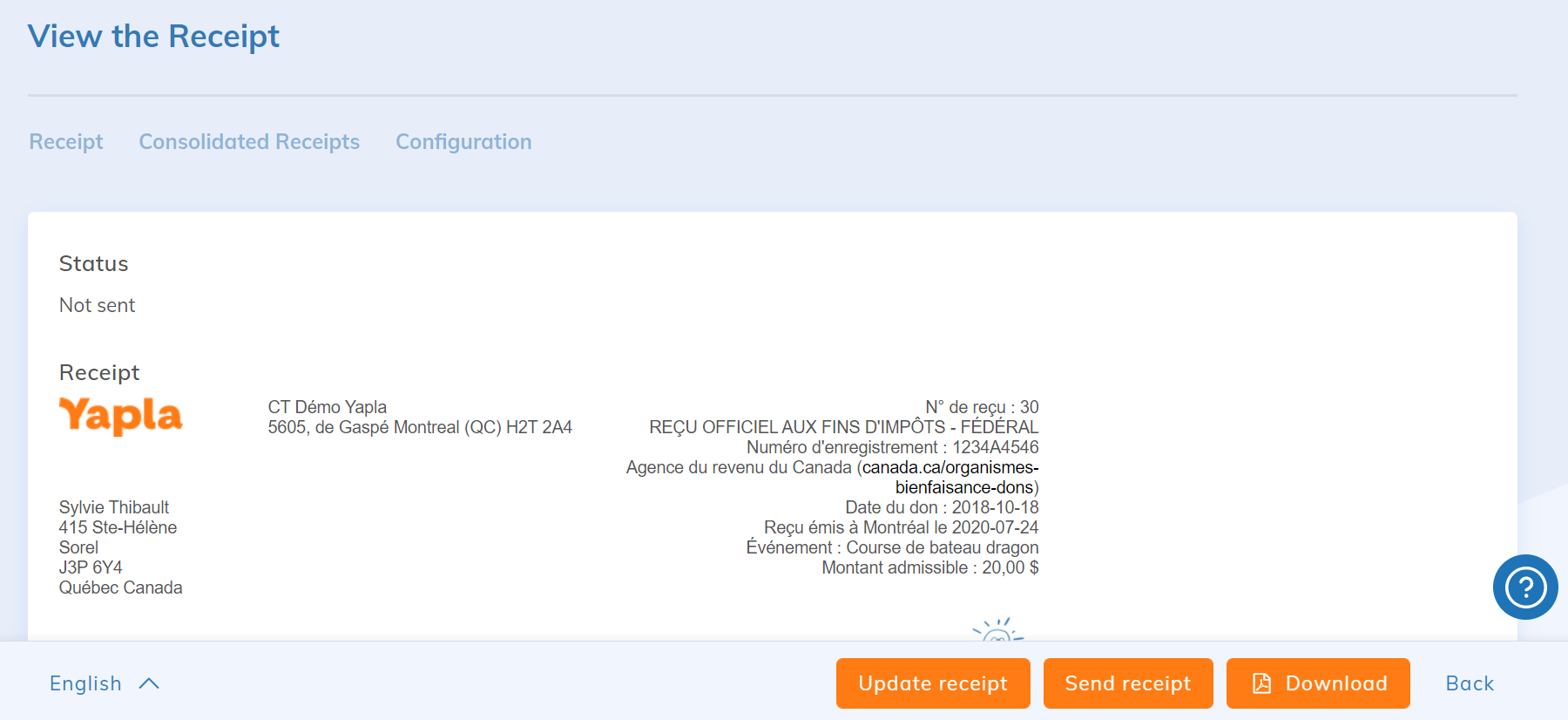
Check that all the information is correct, then click Send receipt to send it to the donor. If the receipt has already been sent, this button is called Send a copy.
The update refreshes the receipt information, but not its template: a receipt keeps the template it was issued with. See Change the receipt template of a campaign.