
Available with the Essentials plan and higher.
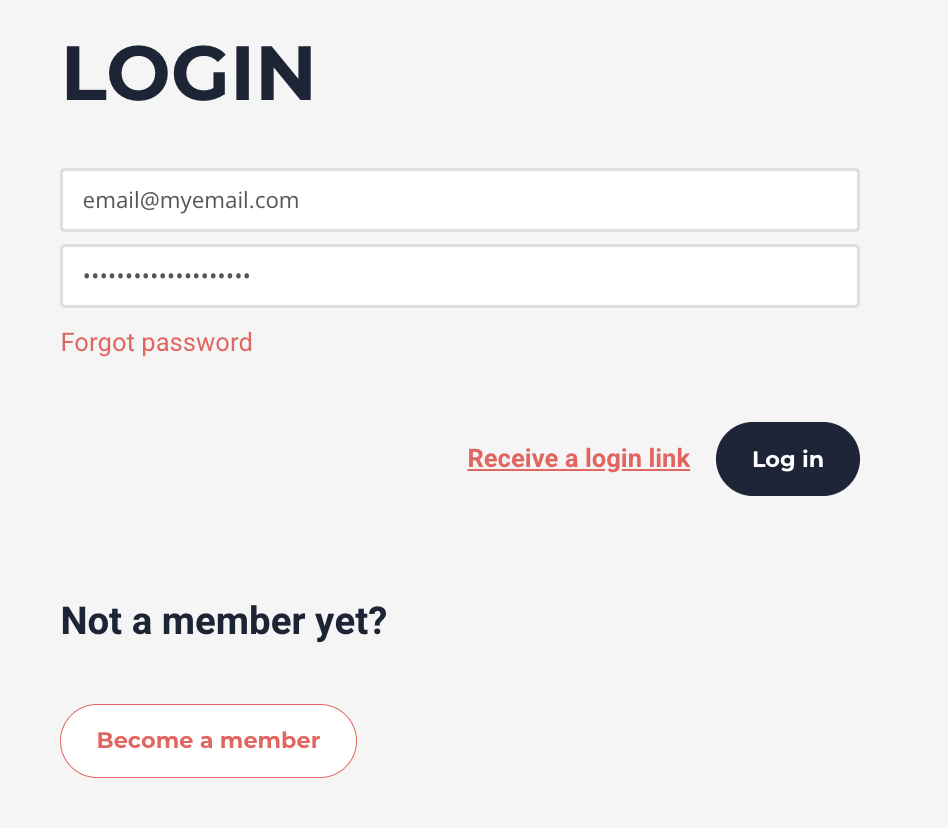
The login link lets your members, donors and participants log in to your website without a password. The person enters their email address and receives a link that logs them directly into their area. It is ideal for people who rarely log in, for example once a year to renew their membership, and no longer remember their password.
The login link is added to the password, it does not replace it: people can still log in with their password.
In this article
Enable the login link
The option is disabled by default. You enable it in each module that displays a login form: Member Area, User Area and Login. If your website has several login pages, enable the option on each of them.
- In the Website feature, open the page that contains your login module.
- Click the zone that contains the module.
- In the Module Configuration section, check Enable login link sending option.
- Click Save and close.
To learn more about these modules, see Add the Member Area module to your website and Allow members and non-members to log in to your website.
What people see when they log in
- On the login page, the person enters their email address and clicks Receive a login link.
- A message confirms that an email containing a login link has been sent.
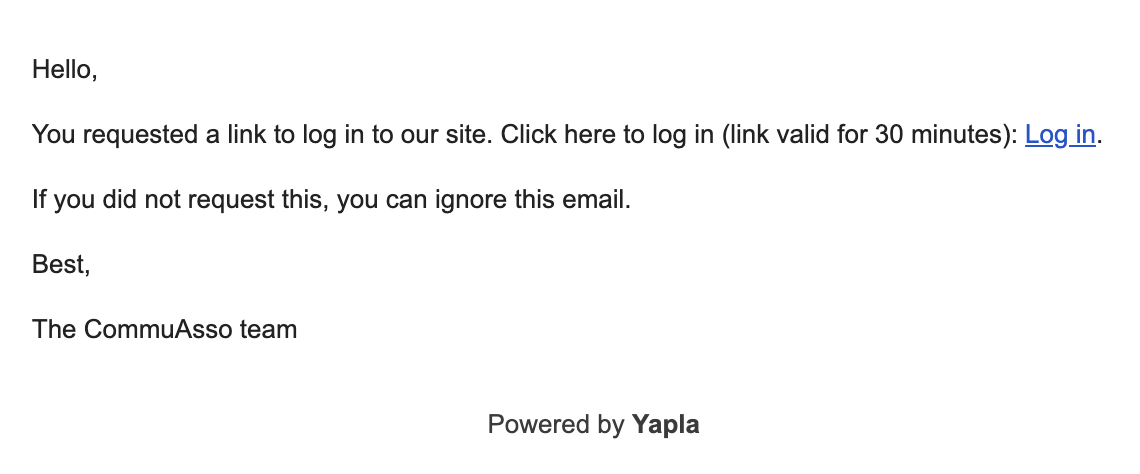
- The person opens the email and clicks the login button. They are logged in to your website.
The email is sent on behalf of your organization, in the language of the website. The link is valid for 30 minutes and can only be used once. The content of this email cannot be changed.
Good to know
The person does not receive the email
For security reasons, the confirmation message is always displayed, even if the address entered does not match any account. This way, no one can check whether an address belongs to one of your contacts. If someone does not receive the email, check the following:
- The address entered is the one recorded in their file.
- The person is allowed to log in to this module. For example, a donor can only log in to the Member Area if the Donors option is checked under People allowed to log in.
- Their file is not archived. An archived person cannot log in.
- The email is not in their spam folder.
Creating a password after logging in with a link
A person who has always logged in with a link does not have a password. The Change my password function of the Member Area asks for the current password. To create a password, the person must instead use the Forgot password link on the login form.
Single Sign-On (SSO)
The login link is not compatible with Single Sign-On. When Use Single Sign-On authentication (SSO) is checked in the module, the login link option is greyed out.
Where the login link is not available
The login link is only available in the login modules of your website. It is not offered on the login form displayed during event registration.
Mention the login link in your renewal emails: your members will be able to log in and renew their membership without looking for their password.