
Each logged-in user uses a license and releases it when they log out. If a user closes the page or their browser without logging out, their session ends automatically 6 hours after their last activity. Logging out makes the license available immediately.
In this article
Log out
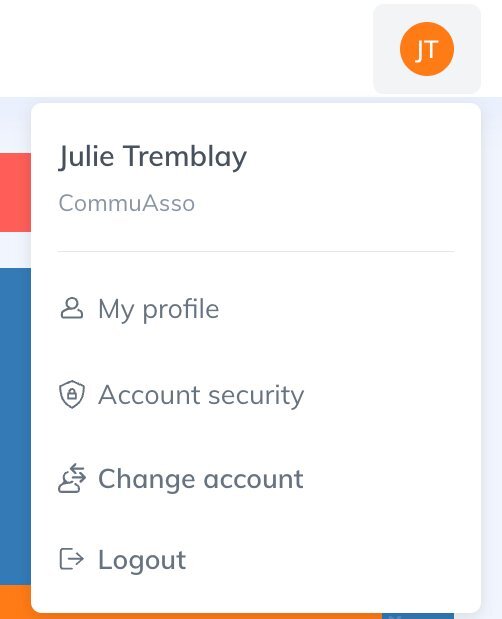
Click your initials or photo in the top right corner of the screen, then click Logout.
Disconnect a colleague
- Go to Settings > Users and licenses, then click the Licenses tab.
- In the Current connections section, find the user in the Connected users list.
- Click the action button to the right of their name, then disconnect them.
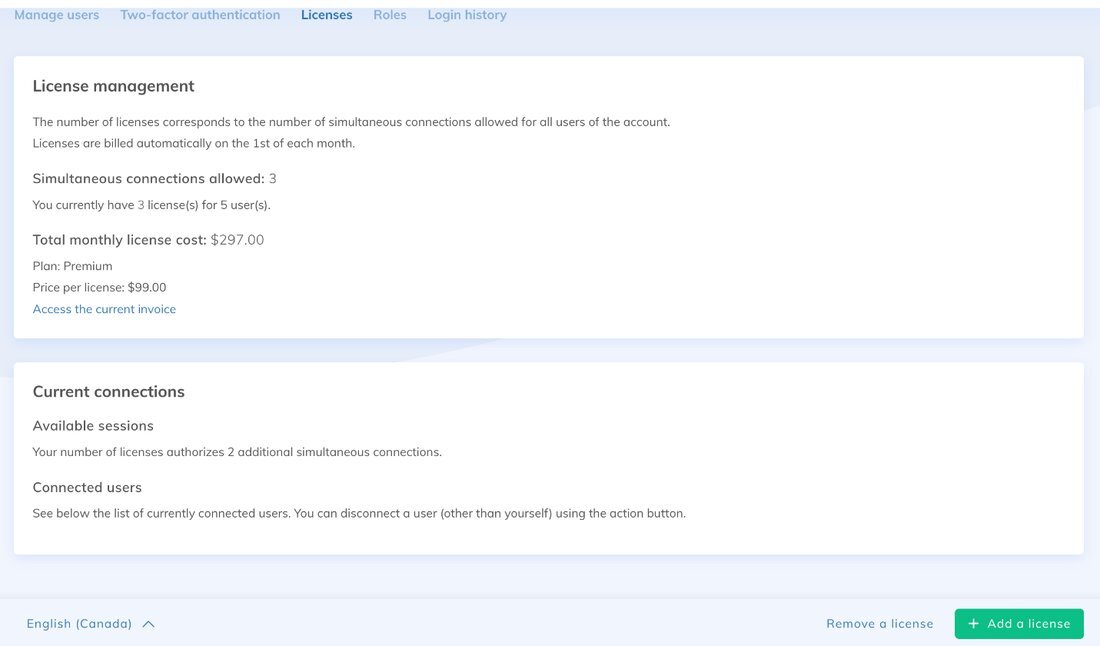
You can disconnect any user except yourself.
The disconnection is immediate: the user may lose any work they have not saved. Check the date of their last activity first to see whether they are currently working.