
With the same email address, you can manage as many Yapla accounts as you want, for example for several organizations. You can then switch from one account to another without logging out.
In this article:
- Create another account with the same email address
- Switch from one account to another
- Choose your default account
Create another account with the same email address
- Log in to Yapla with your credentials.
- Open the account creation page. Your personal information is reused automatically: the Create an account wizard starts directly at the Your organization step.
- Fill in the information for the new organization, then follow the steps to the end.
Switch from one account to another
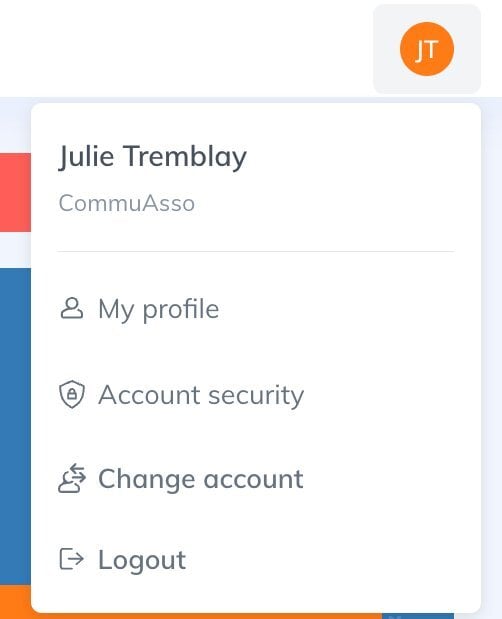
- At the top right of the page, click your initials.
- Click Change account.
- In the Change company window, click the account you want.
Choose your default account
Click your initials, then My profile. In the Default account field, choose the account you want, then click Save.
To see all the ways to log in and manage your access, see Log in to Yapla and manage access.