
Yapla allows you to group several members into organizations. Learn more about how organizations works below.
Before you or your members can add new organizations, make sure the organizations are activated in your Yapla account.
Organization creation by a Yapla administrator
Create organizations in the "Organization" tab of your "Members" application. Simply click on  .
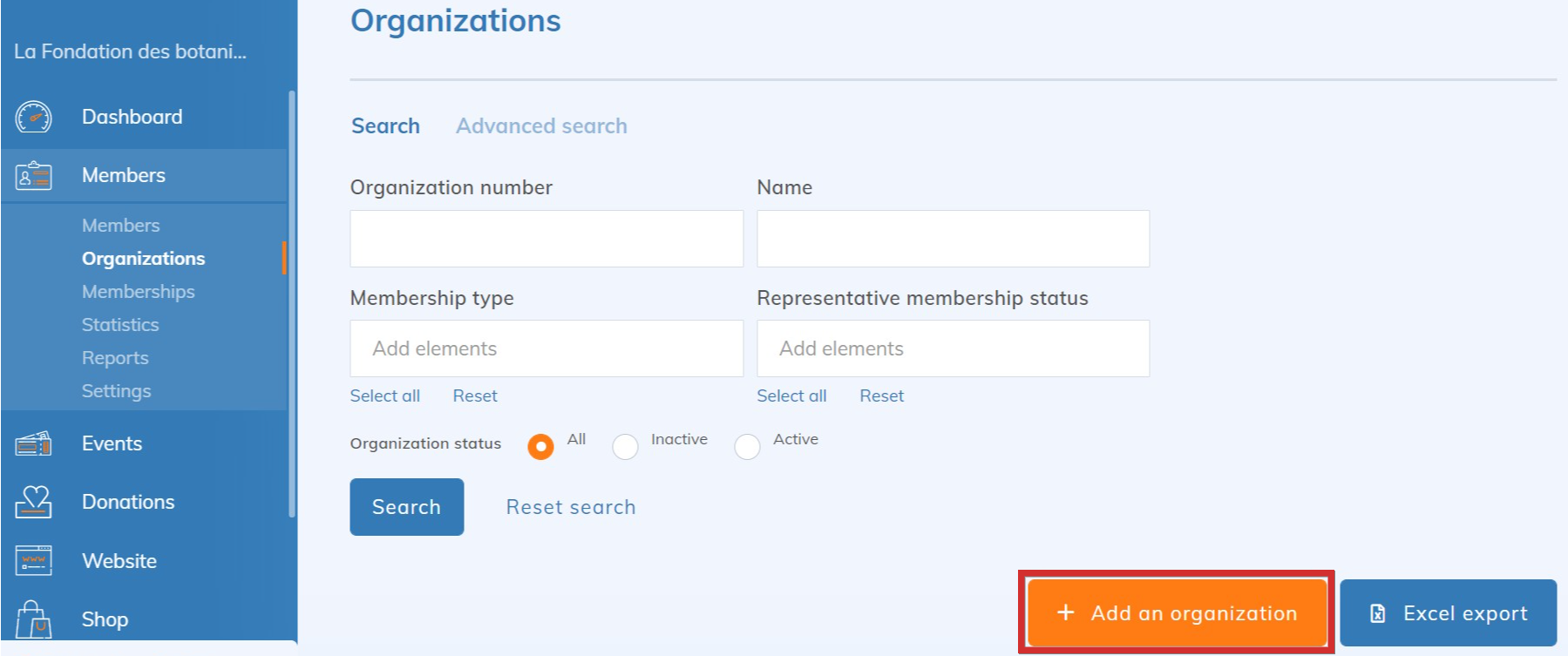
Then fill out the form provided for this purpose. Then click on  .

Organization forms can be customized in the "Members" application Settings. (Members>Settings>Organizations>Forms).
Once your organization is created, you can view all your organizations in the list of organizations.

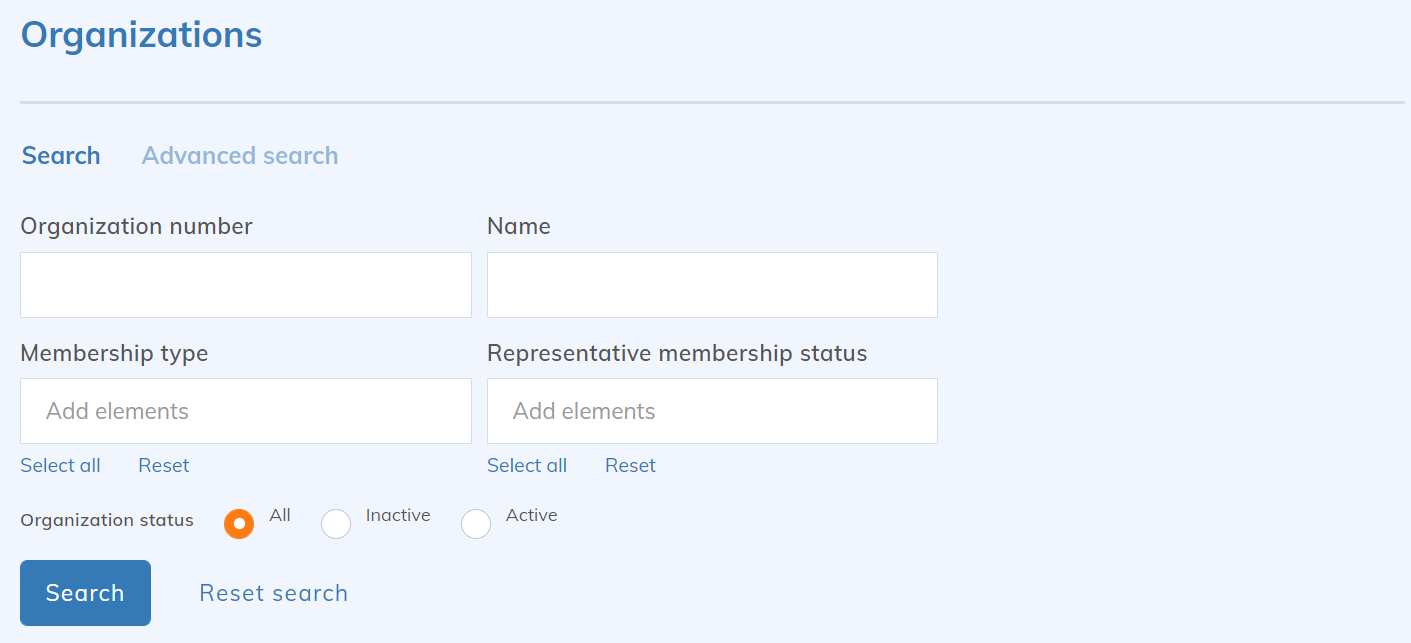
Use the search tool to find an existing organization.
Organization creation by a member
You can also allow your members to create organizations themselves via the Member Area of your website.
To do so, go to the configuration of the Member Area module on the page of your website containing the module. In the "Activate Member Area features" section, check the box "Activate the My organization feature".
To allow members to create their own organizations, also check "Allow organization creation".

This way, your members will be able to add organizations themselves.

Once organizations are created, they can be managed by an organization administrator. If the organization is created by a member via his Member Area, the creator of the organization automatically becomes the organization's "administrator". If the organization is created on Yapla, it does not yet have an administrator assigned. You can add one or more administrators to the organization at any time.