
Available with the Plus plan.
Organizations group several members together. In each organization, one or more members have administrator status, which lets them add or remove members. Representative status gives a single member (the representative) responsibility for paying the memberships of all members of the organization.
Organizations are activated under Members > Settings.
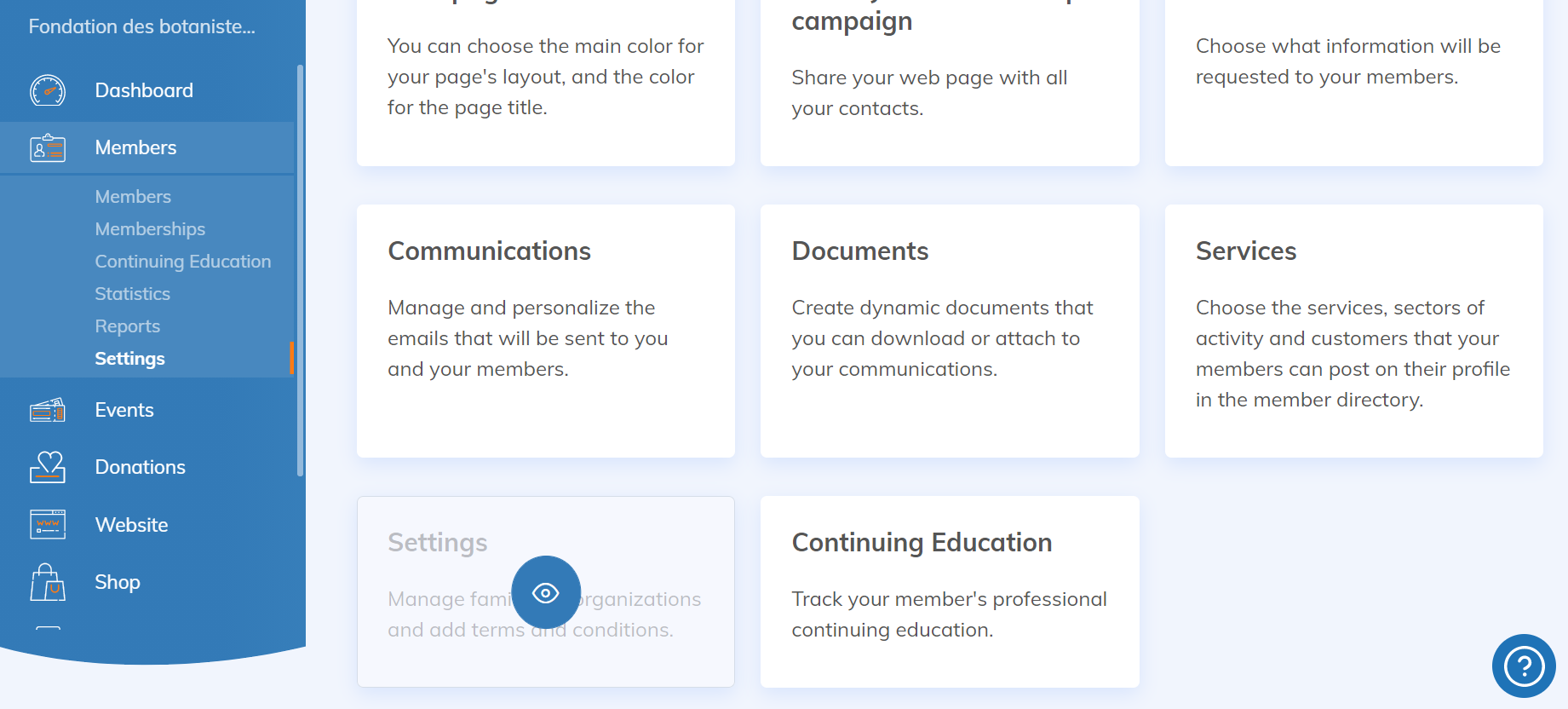
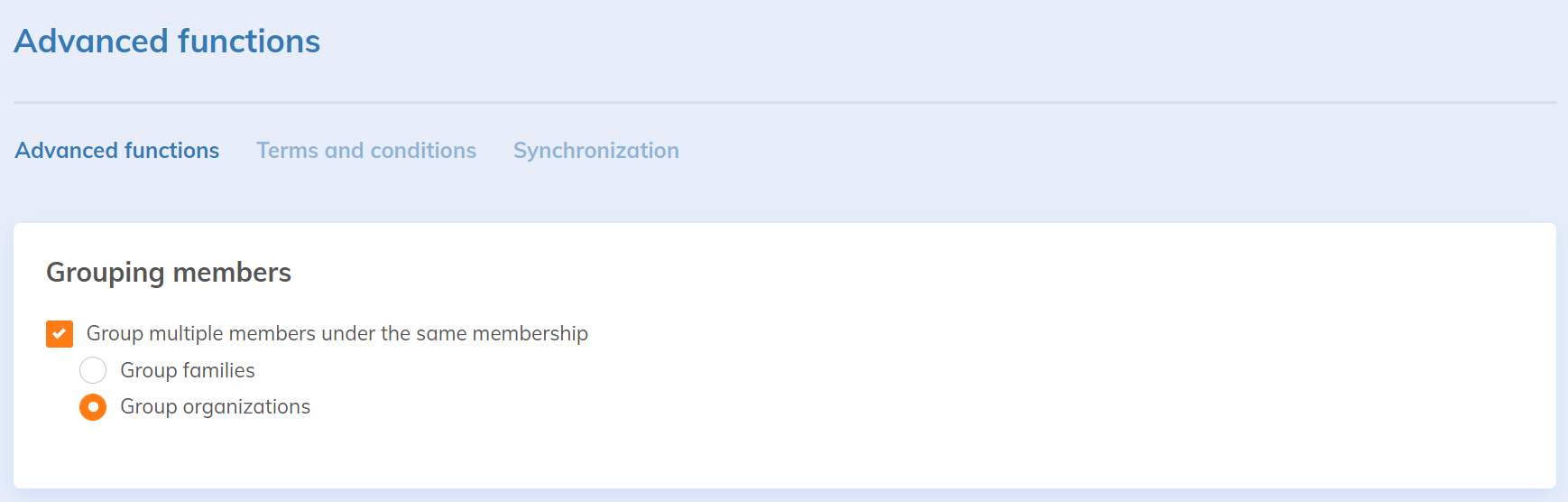
In the Advanced functions sub-menu, check the boxes that activate organizations:
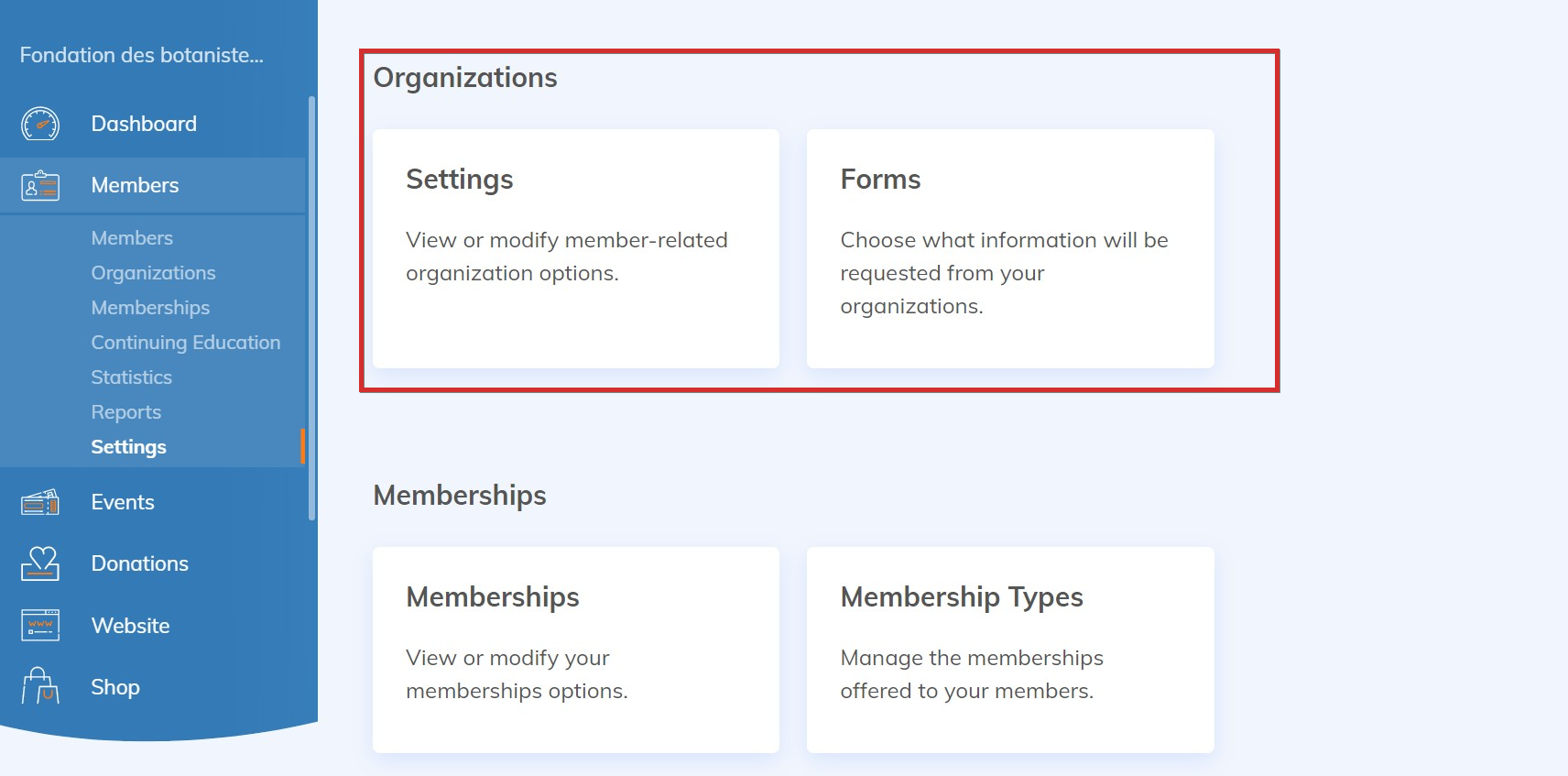
Once organizations are activated, an Organizations section appears in the Members settings. Use it to configure how organizations work and the forms related to them.
Under Members > Settings > Membership Types, the Type tab of each membership type then offers Organization alongside Individual. If you group families, this choice is named after families instead.
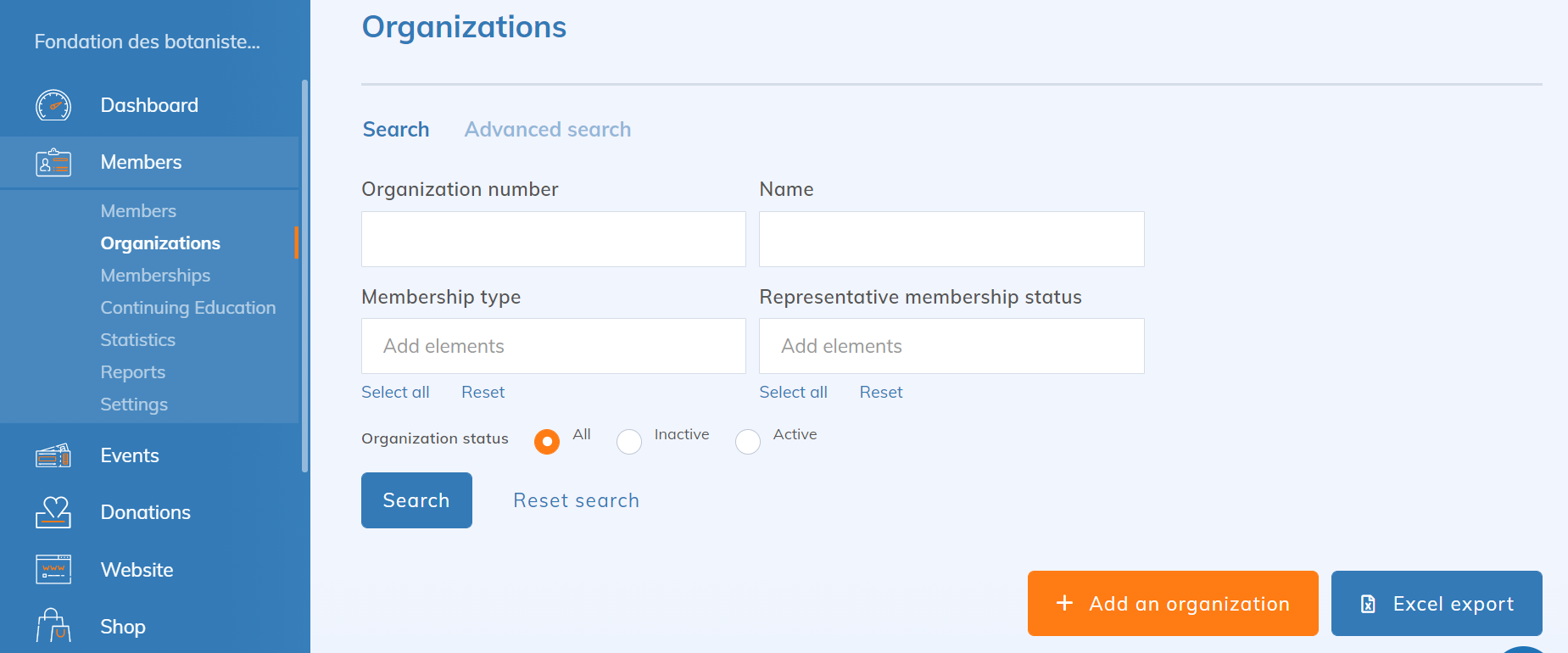
The Organizations section of the Members application lists your existing organizations and lets you add new ones.
Members can then create and manage their organizations.