
Activate only the features your organization needs. An active feature appears on your dashboard and in your account menu.
In this article:
Activate or deactivate a feature
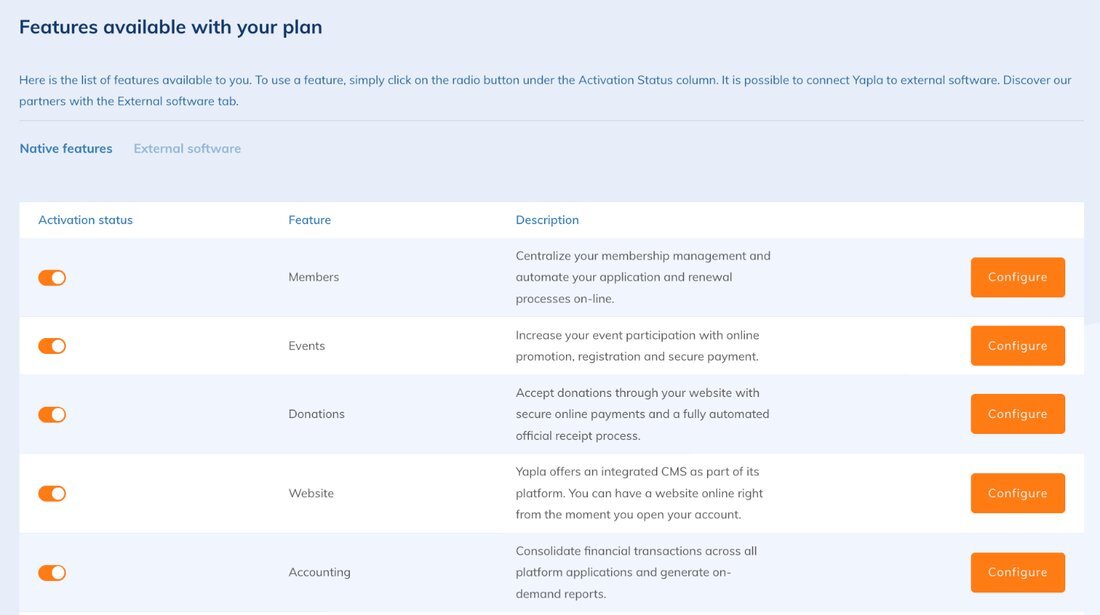
- Go to Settings > Features. The Native features tab lists the features available with your plan.
- In the Activation status column, click the feature's switch to activate or deactivate it.
- Click Configure to go directly to a feature's settings.
To find out what each feature does, see Features of the Yapla platform.
Connect external software
The External software tab shows the partner software that connects to your account. Activate it the same way, with the switch in the Activation status column.